

 yolobook
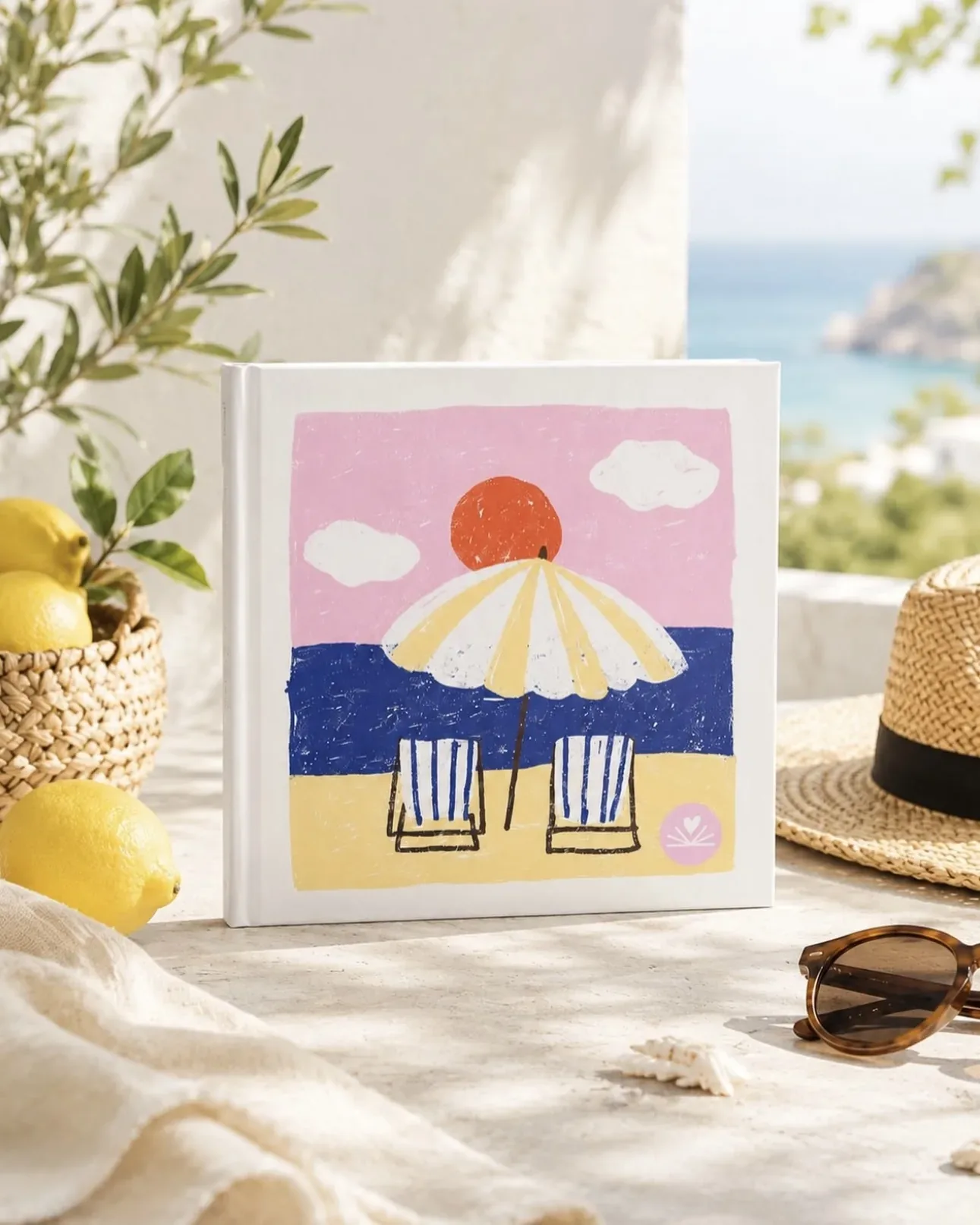
A travel photo book for a summer worth remembering
Turn your favourite holiday snaps into a travel photo book instead of leaving them forgotten on your phone. Pick the best while the memories are fresh and create an album you’ll still love flicking through when winter comes.
An average trip produces hundreds of photos, yet after a couple of weeks nobody looks at them anymore. A travel photo book is a way to take your best moments off your phone and preserve them somewhere you will actually look at them: on a shelf, on a coffee table, in your hands.
Three reasons to bring your holiday memories home
- 1
Travel covers
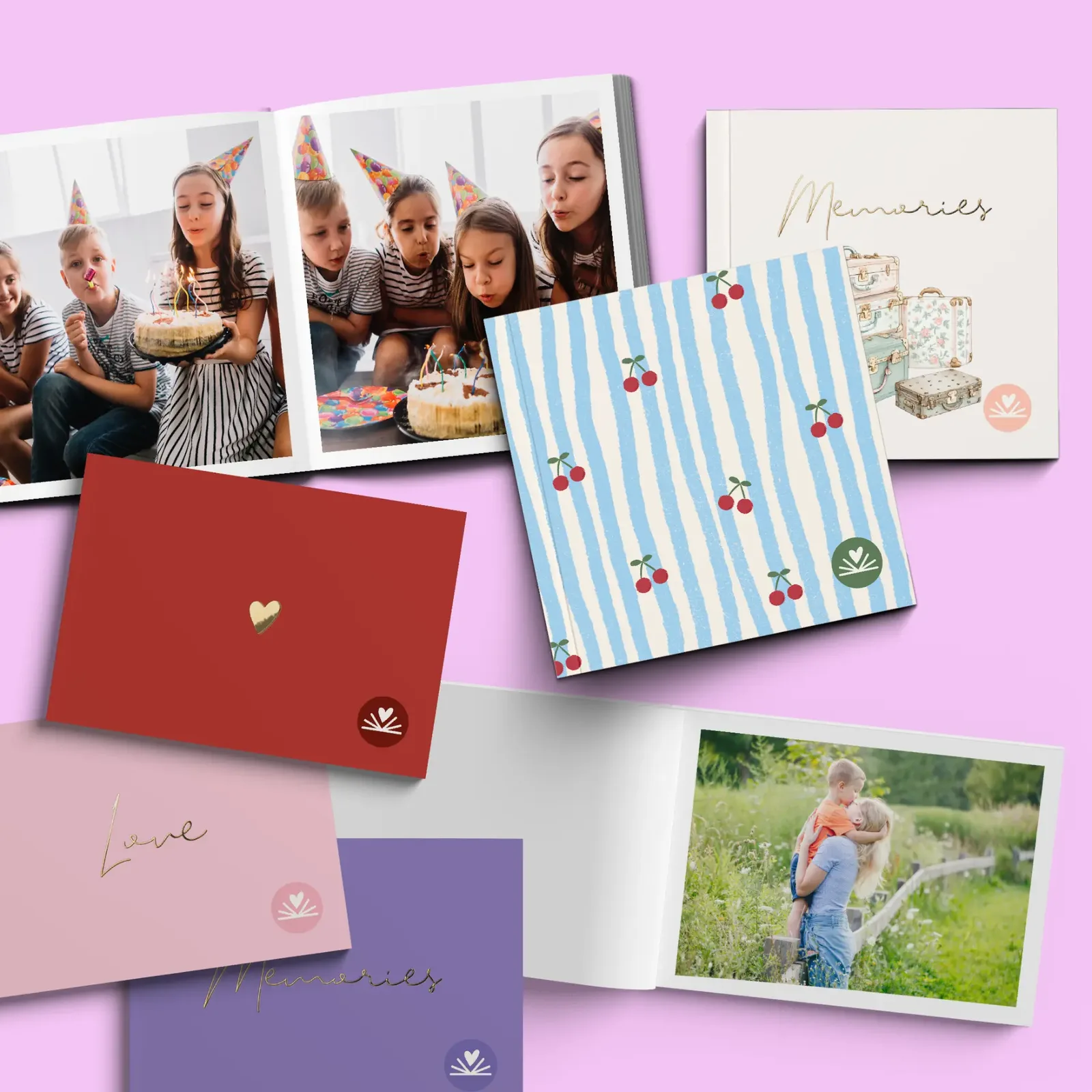
Choose a cover designed for your adventures, right in the app.
- 2
One trip, one album
Turn your shelf into a collection of all the places you’ve explored.
- 3
Make it while it’s fresh
Get started when you’re home, while you still remember where each photo was taken.
7 ideas for a travel photo book
- 1
A summer holiday album
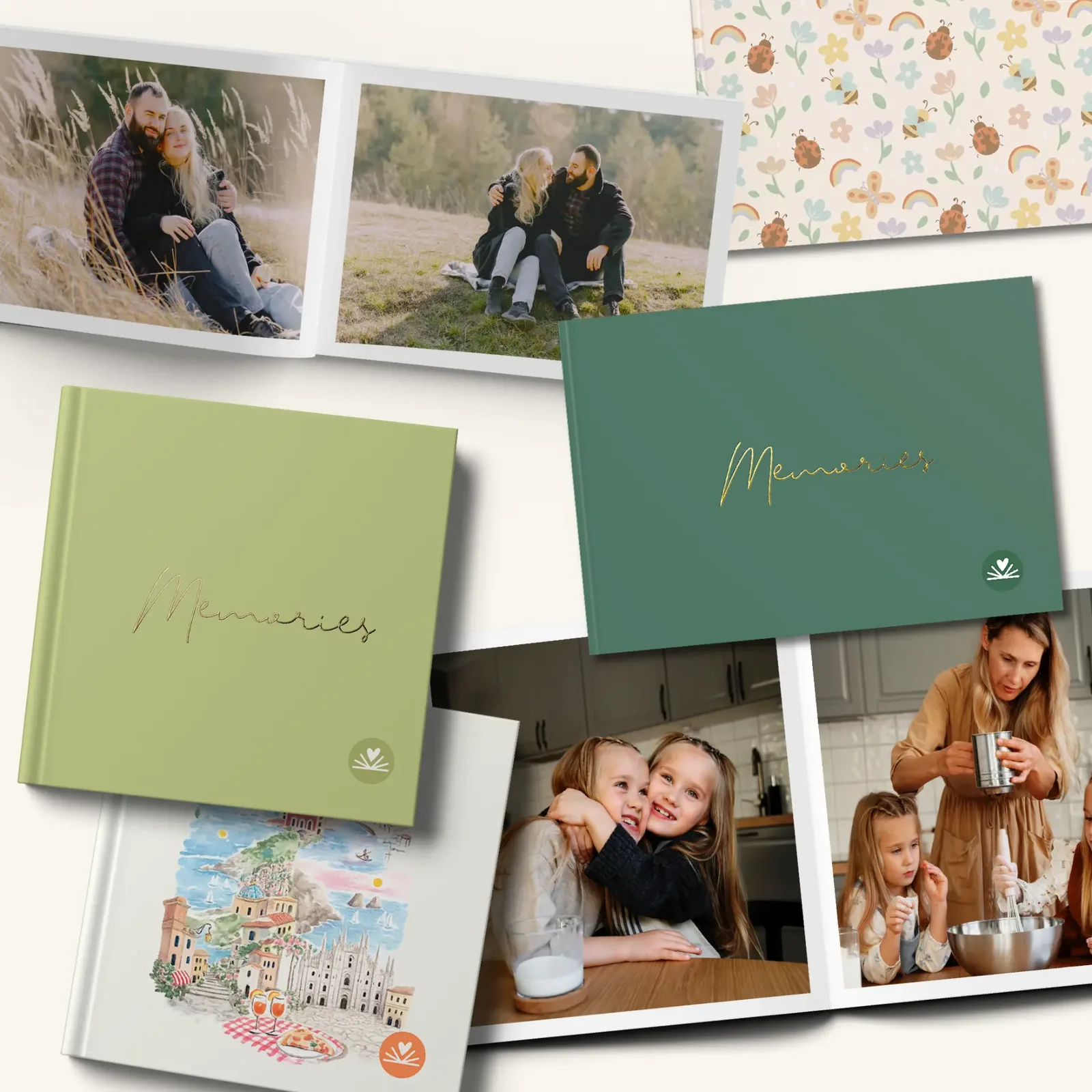
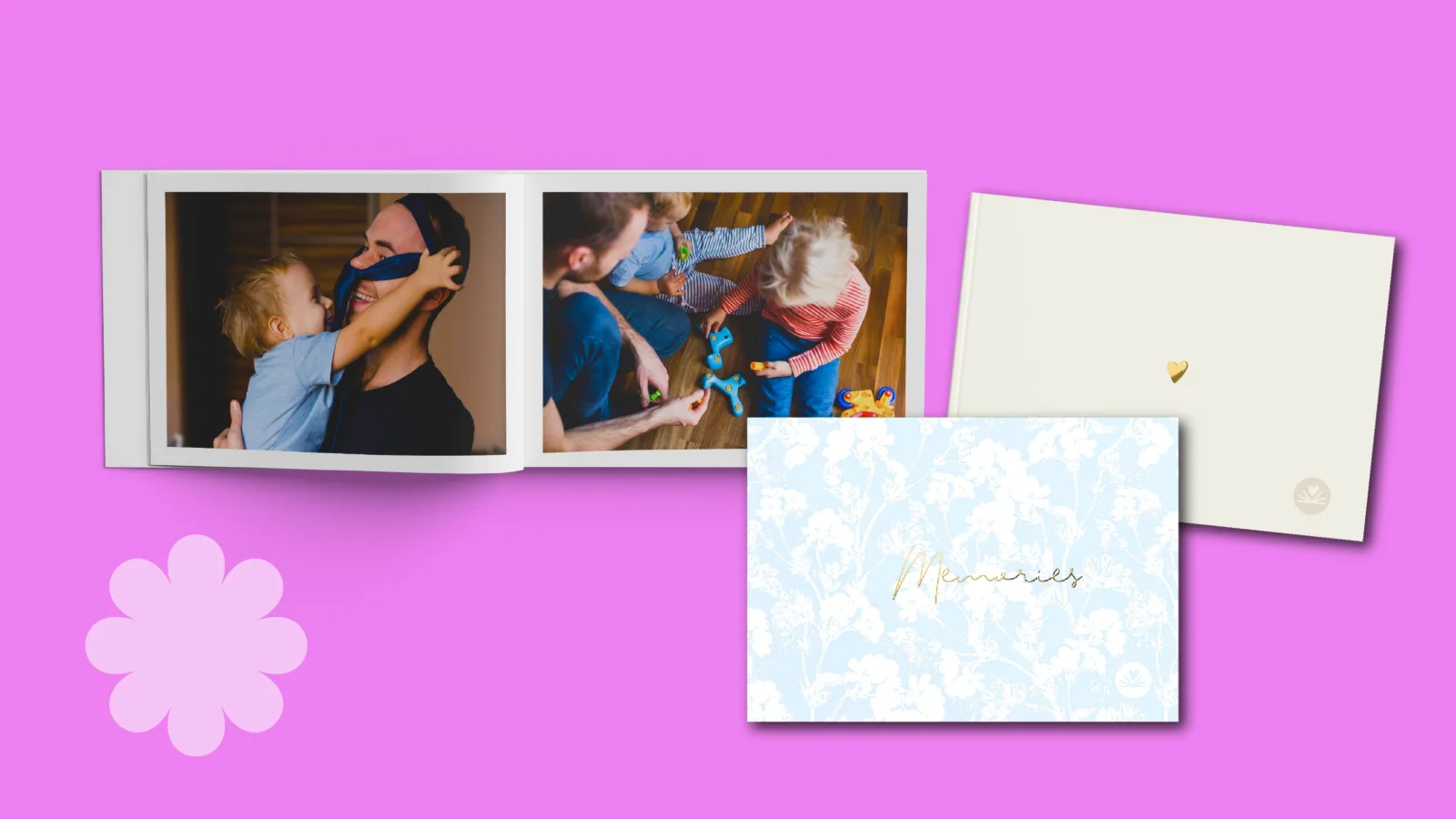
Landscape format for the sea, landscapes, and panoramas, holding up to 100 photos.
- 2
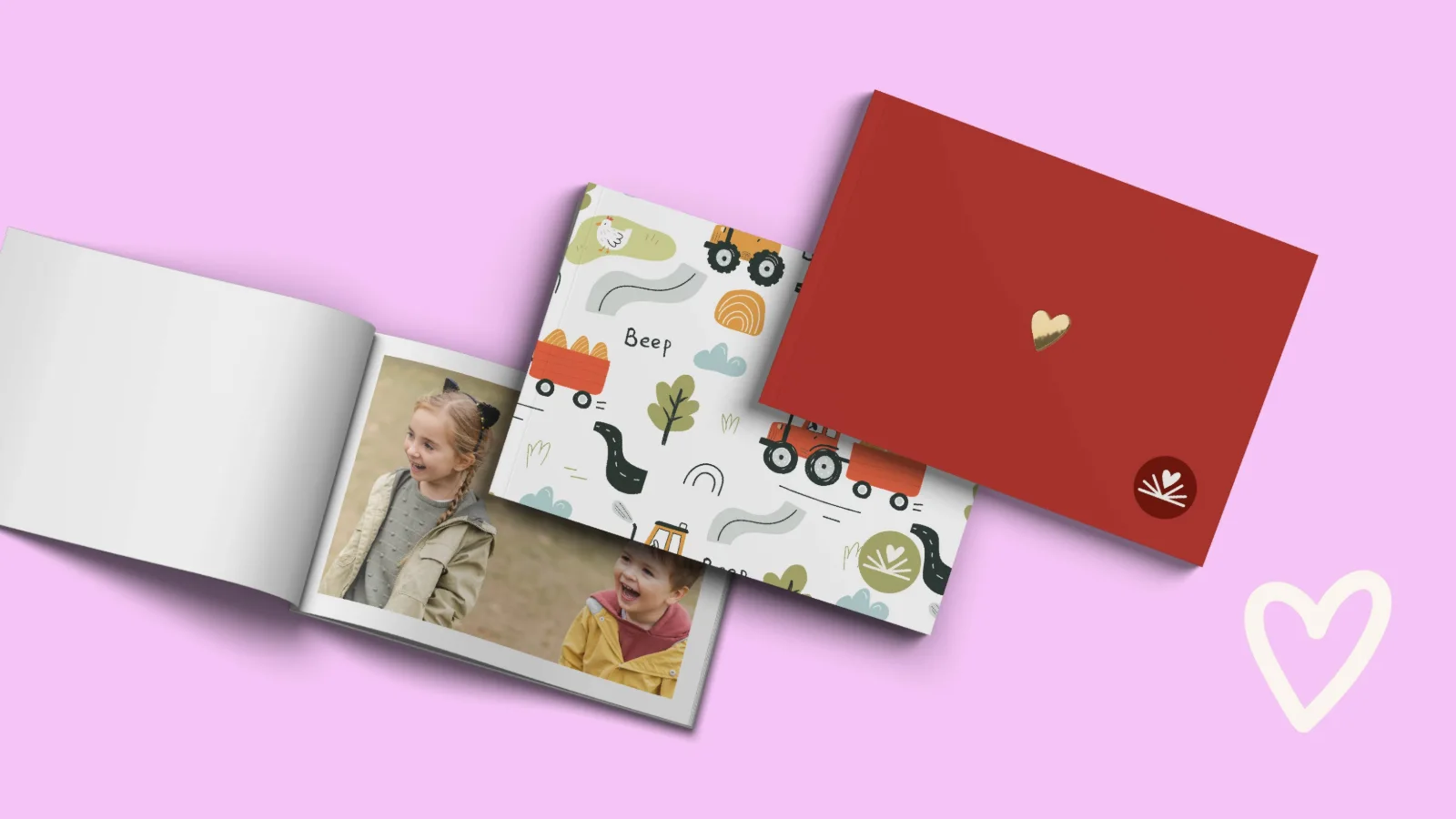
A mini album for every trip
A shelf lined with mini albums becomes a map of your travels.
- 3
A year of travels album
All your travels from a single year, from weekend getaways to your main holiday.
- 4
An album with Travel covers
The app includes cover designs specially created for travel.
- 5
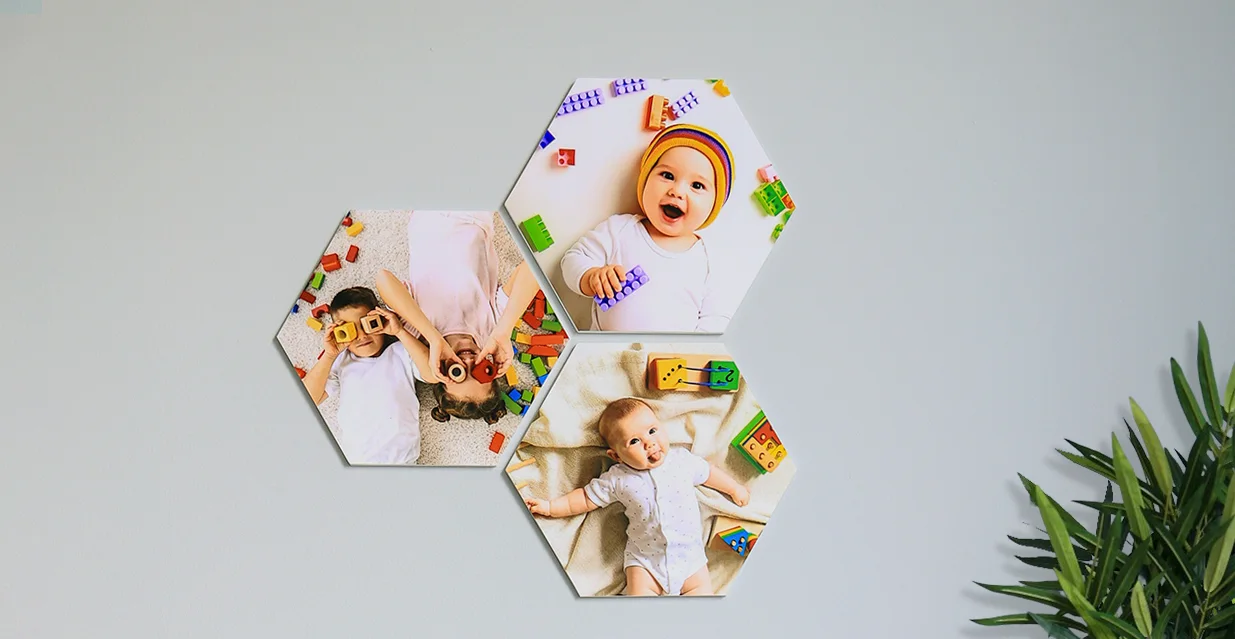
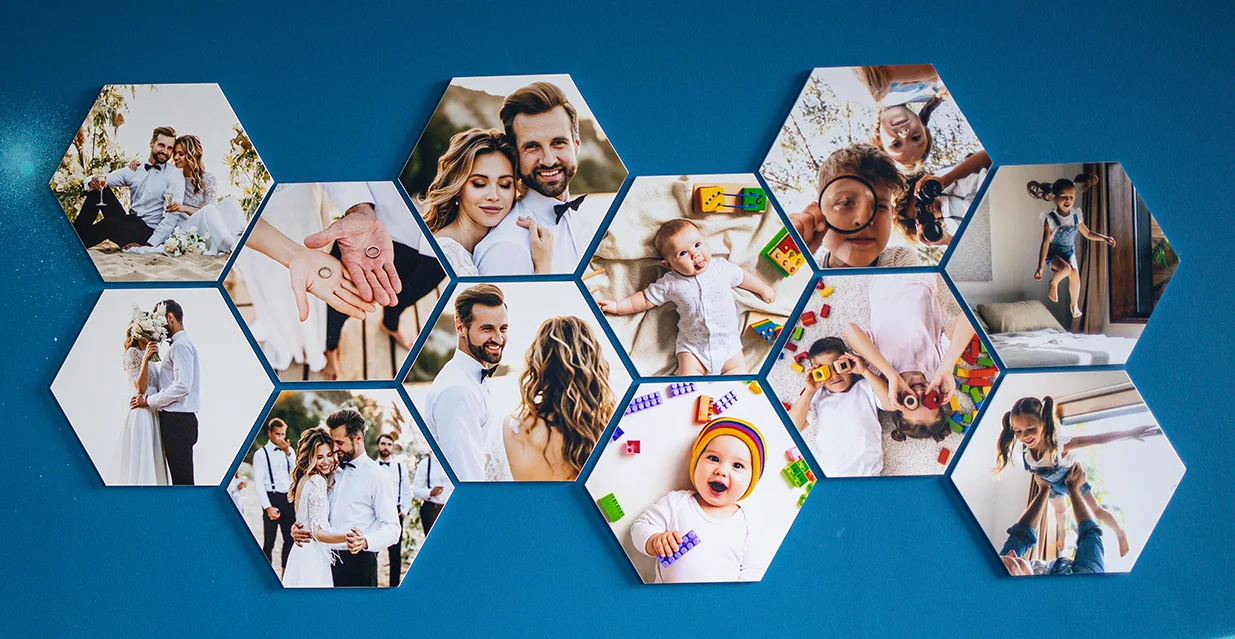
A wall map of memories
YoloTiles Hexa with one photo from each trip.
- 6
Photos for fellow travellers
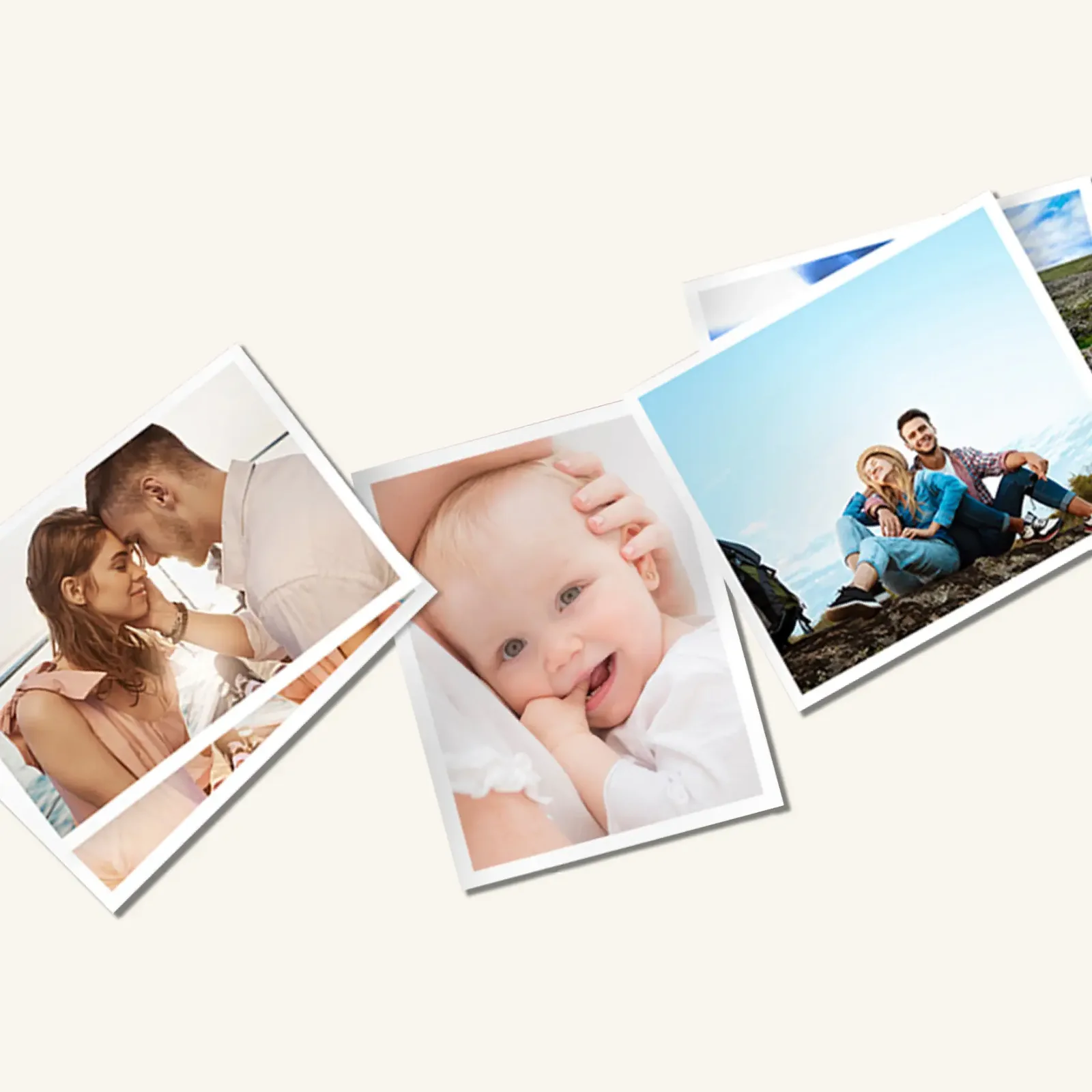
Print the same photos for everyone who travelled with you.
Vezi →YoloPrints
63 RON
- 7
A honeymoon album
A premium album featuring a honeymoon photo on the cover.

Sfat
How to choose your photos
Pick one photo from each day, then add group shots and a few little details: food, streets and tickets. An album with 30 to 50 carefully chosen photos tells a better story than one with 100 near-identical snaps.
How to make a beautiful travel photo book
Choose your photos as soon as you return, while you still remember which day is which. If you wait for months, the album becomes a list of similar photos without a story.
A rule of thumb that works well: one landscape photo, one featuring people, and one detail for each day. Details include food, tickets, streets, signs. An album like this reads like a story rather than an archive.
In a Landscape album, the app places portrait photos in the centre of the page. If you have a lot of portrait photos, choose a square format or rotate them before uploading.


Yolo!
Make your gift in the app in minutes
Pick photos from your phone, arrange them in the app and order. We print and deliver.
Delivery: 5-9 zile lucrătoare.